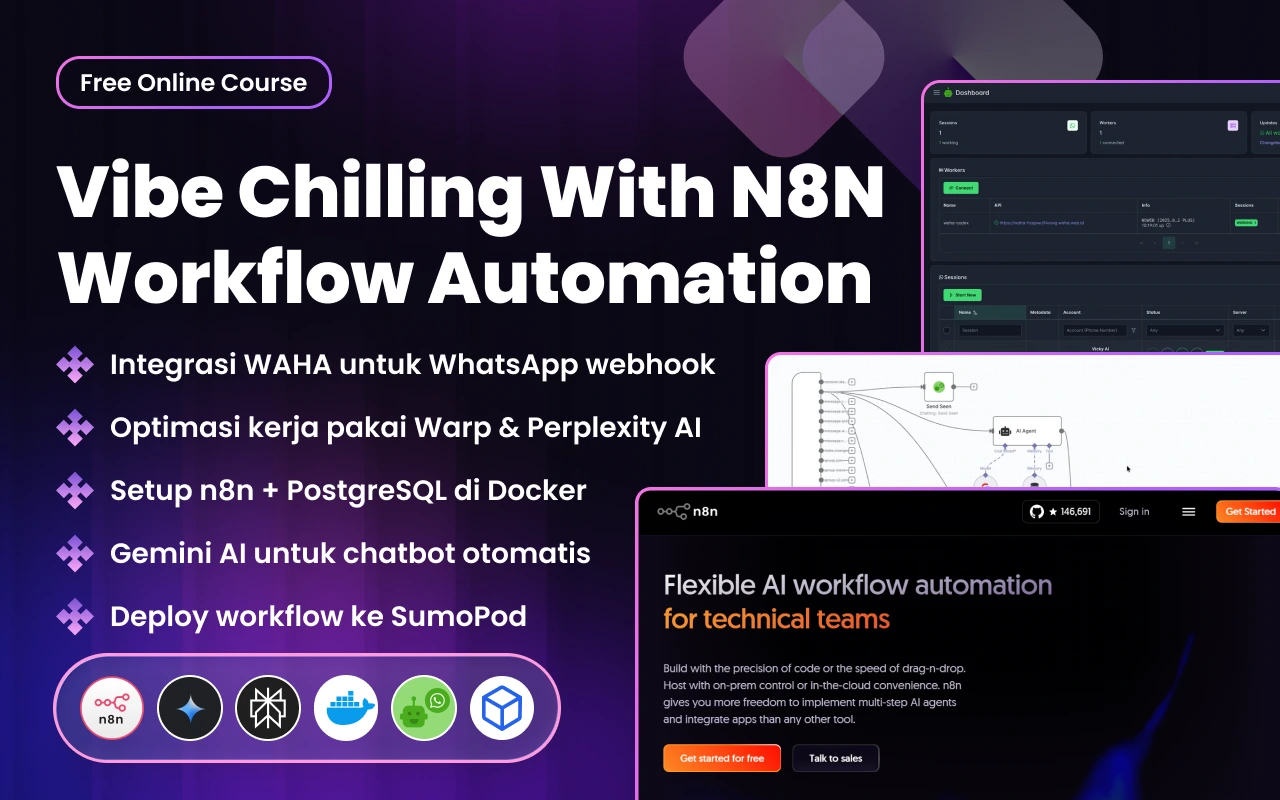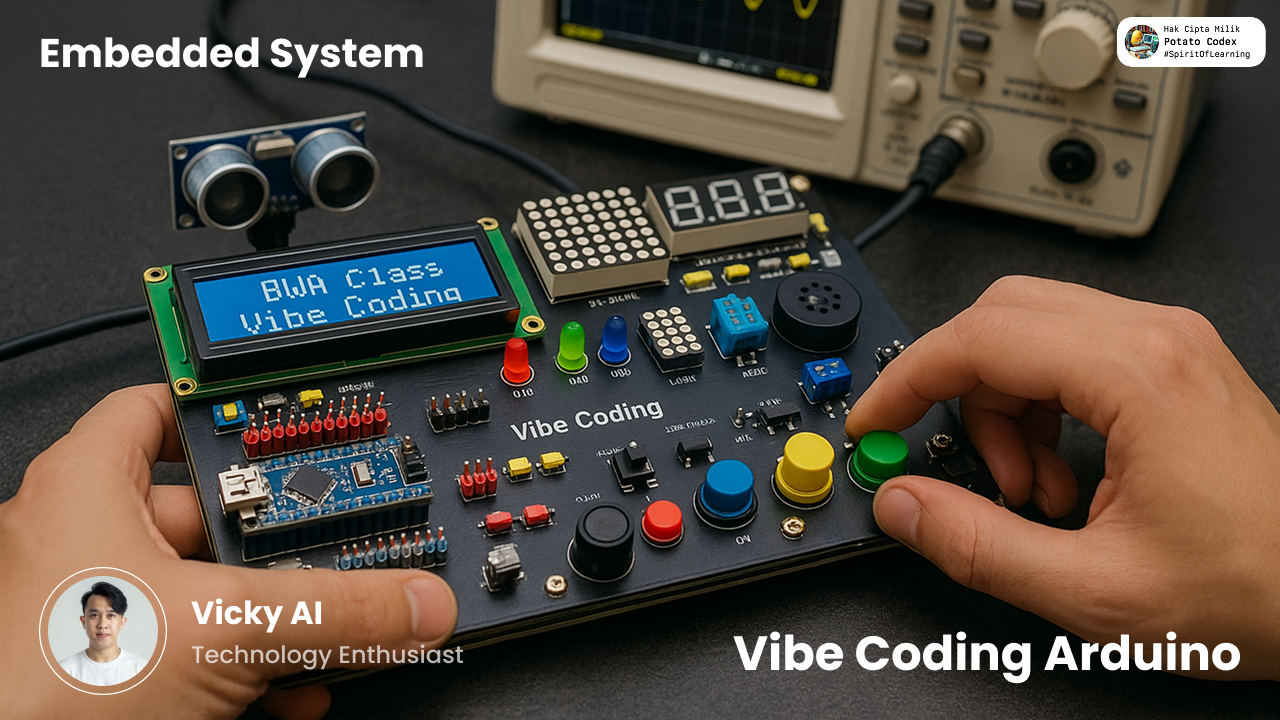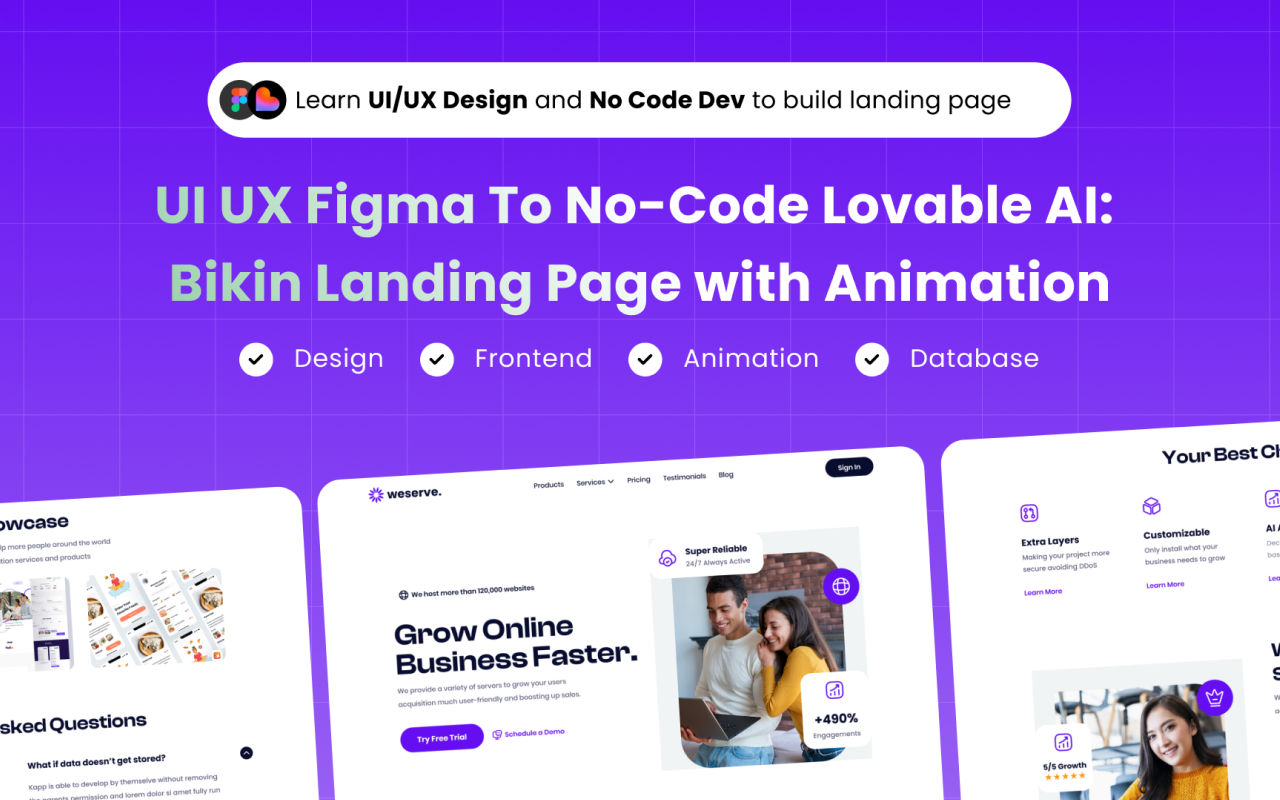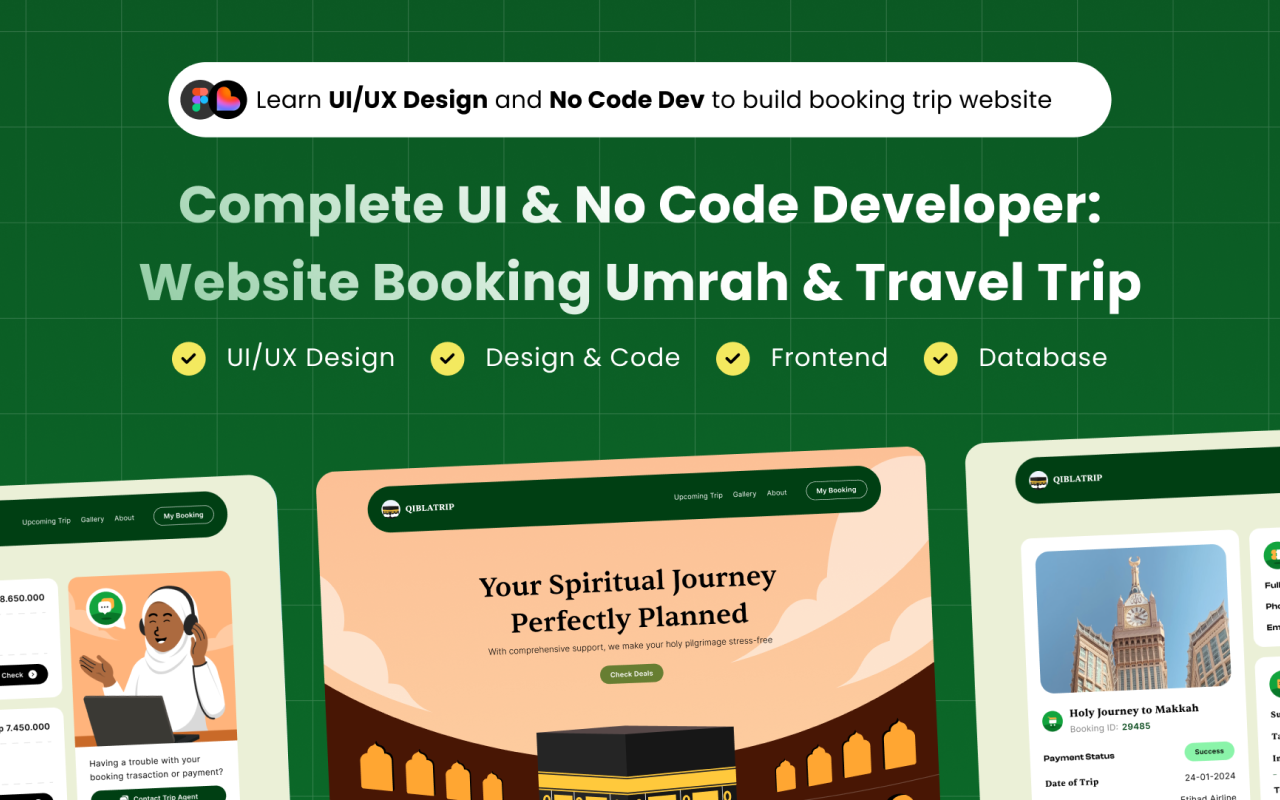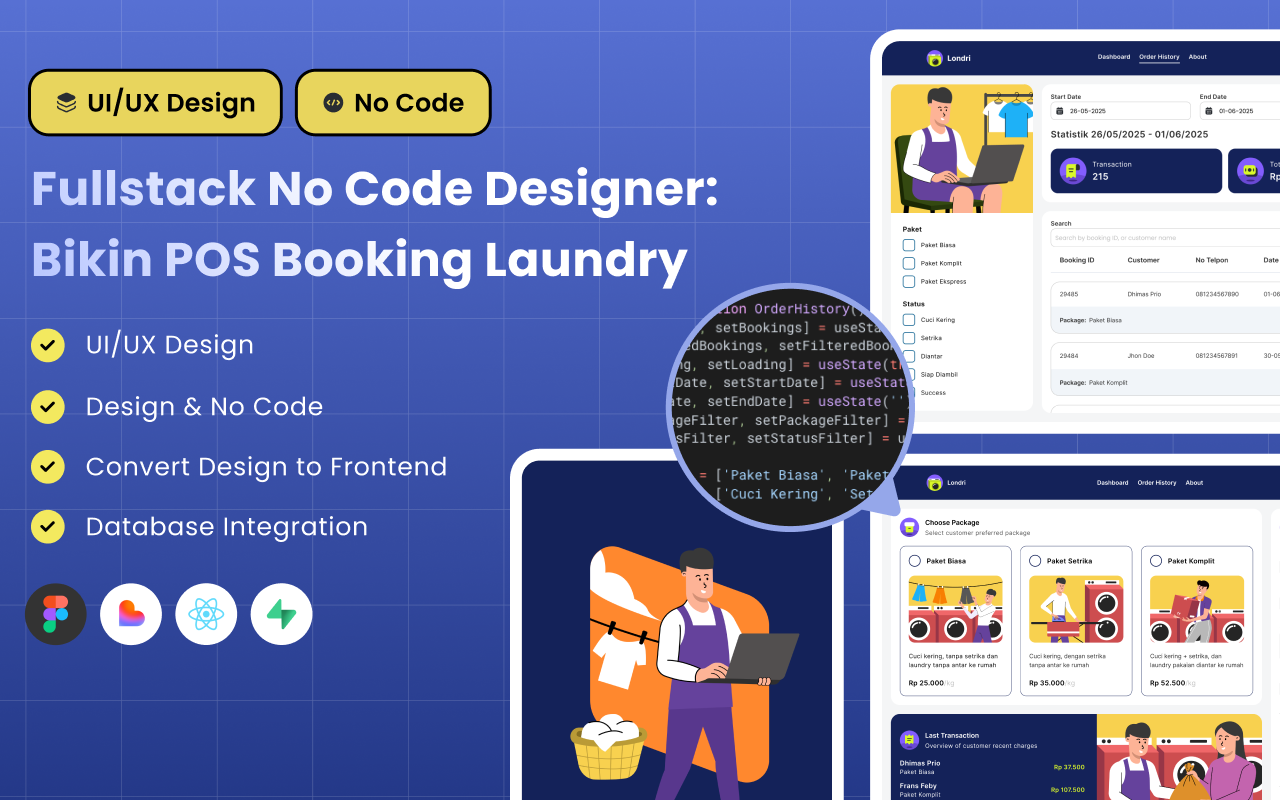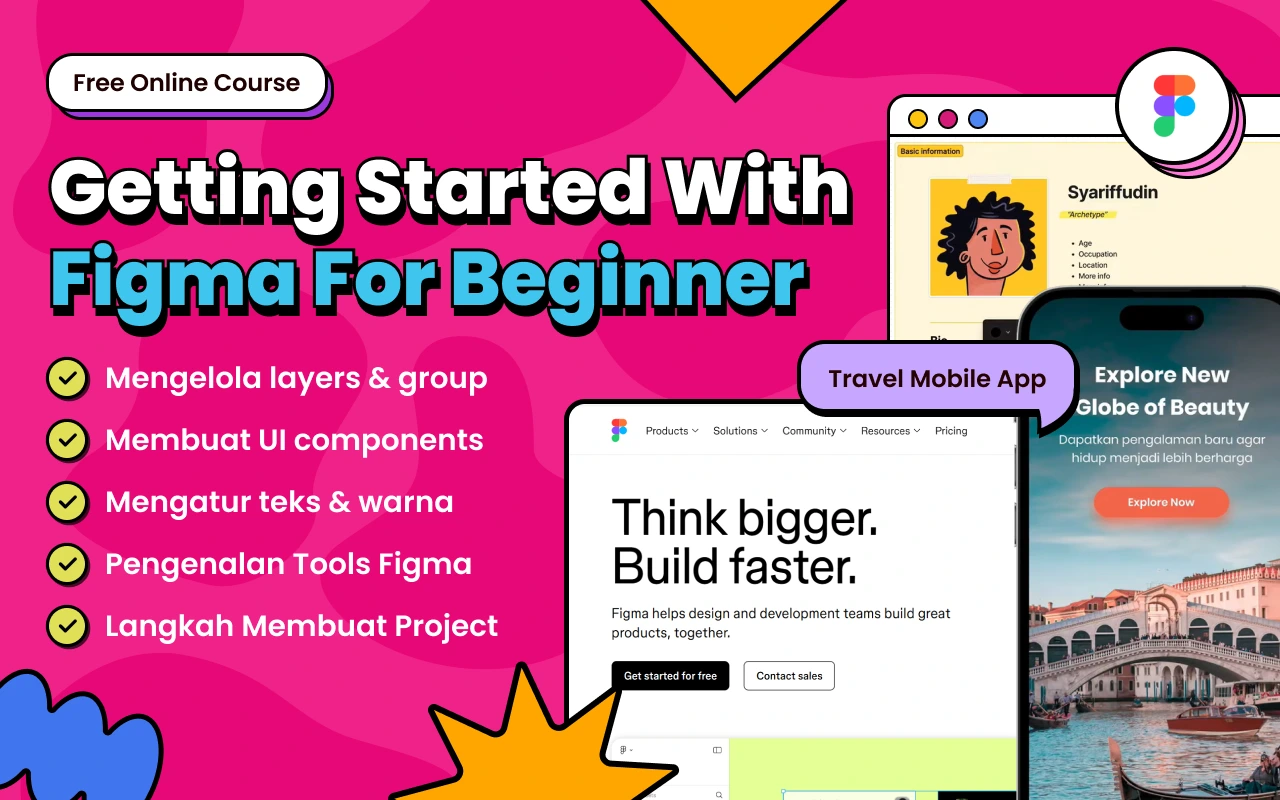
Figma sudah jadi skill wajib, tapi di 2025-2026 itu baru "tiket masuk". Designer yang mau stand out dan dapat gaji lebih tinggi perlu expand skill ke vibe coding, no-code development, business understanding, dan AI tools. Dalam artikel ini, kita bahas 7 skill tambahan yang wajib dikuasai UI UX Designer modern — lengkap dengan rekomendasi kelas gratis dari BuildWithAngga.
Opening: Wake Up Call untuk Designer
Saya mau jujur dari awal: kalau skill kamu cuma Figma, kamu sedang compete dengan jutaan designer lain yang punya skill yang sama persis.
Ini bukan untuk menyalahkan atau merendahkan. Ini reality check.
5 tahun lalu, bisa Figma adalah competitive advantage. Sekarang? Figma itu seperti Microsoft Word — semua orang bisa pakai. Fresh graduate bisa. Anak SMA yang belajar dari YouTube bisa. Bahkan orang non-design background yang ikut bootcamp 3 bulan bisa.
Dan situasinya makin challenging dengan hadirnya AI. Tools seperti Midjourney bisa generate visual dalam hitungan detik. Galileo AI bisa bikin UI dari text prompt. Uizard bisa convert screenshot jadi editable design. Skill yang dulu butuh bertahun-tahun untuk dikuasai sekarang bisa di-shortcut dengan AI.
Pertanyaannya: kalau semua orang bisa Figma, dan AI bisa generate visual, apa yang membuat KAMU valuable?
Realita yang Jarang Dibicarakan
Saya sering lihat pattern ini di market:
DESIGNER TIPE A:
├── Skill: Figma only
├── Portfolio: UI redesign, case study generic
├── Gaji: Rp 5-10 juta/bulan
├── Bargaining power: Rendah
└── Easily replaceable: Ya

DESIGNER TIPE B:
├── Skill: Figma + No-code + Business understanding
├── Portfolio: Working products, measurable impact
├── Gaji: Rp 15-30 juta/bulan
├── Bargaining power: Tinggi
└── Easily replaceable: Tidak
Perbedaannya bukan di talent atau kreativitas. Perbedaannya di skill stack.
Designer Tipe B tidak necessarily lebih berbakat. Mereka simply punya skill yang lebih luas — skill yang memungkinkan mereka deliver more value, solve bigger problems, dan justify higher rates.
Figma Bukan Tidak Penting
Jangan salah paham. Saya tidak bilang Figma tidak penting. Figma adalah foundation. Kamu harus kuasai Figma dengan baik sebelum expand ke skill lain.
Tapi foundation saja tidak cukup untuk membangun rumah yang tinggi. Kamu butuh lebih dari sekadar pondasi.
Analoginya begini:
- Figma = bisa menyetir mobil
- Additional skills = tau cara navigasi, paham mesin, bisa ganti ban sendiri
Orang yang cuma bisa menyetir akan stuck kalau ada masalah. Orang yang punya skill lebih luas bisa handle berbagai situasi dan sampai tujuan lebih cepat.
7 Skill yang Akan Kita Bahas
Dalam artikel ini, saya akan breakdown 7 skill tambahan yang menurut saya wajib dikuasai UI UX Designer di 2025-2026 dan seterusnya:
7 SKILL BEYOND FIGMA:

1. Vibe Coding / AI-Assisted Development
   └── Bikin prototype functional dengan bantuan AI

2. No-Code Development
   └── Webflow, Lovable AI, Framer — design to production

3. Business & Product Thinking
   └── Paham metrics, conversion, dan impact bisnis

4. AI Tools Mastery
   └── Leverage AI untuk 10x productivity

5. Basic Frontend Understanding
   └── HTML, CSS, Tailwind — understand constraints

6. Data & Analytics
   └── Design decisions based on evidence

7. Content Strategy & UX Writing
   └── Words adalah bagian dari UX
Untuk setiap skill, saya akan jelaskan:
- Kenapa ini penting di era sekarang
- Apa yang perlu dipelajari
- Contoh use case nyata
- Bagaimana ini affect earning potential
Dan di akhir artikel, saya akan kasih rekomendasi kelas gratis dari BuildWithAngga untuk mulai belajar setiap skill ini.
Let's dive in.
1. Vibe Coding / AI-Assisted Development
Judgment Saya
"Designer yang bisa implementasi design mereka sendiri punya bargaining power yang jauh lebih besar. Dan di era AI, ini jauh lebih achievable dari yang kamu bayangkan."
Dulu, ada garis tegas antara designer dan developer. Designer bikin mockup, developer implement. Kalau designer mau belajar coding, butuh waktu berbulan-bulan bahkan bertahun-tahun.
Sekarang? Garis itu makin blur.
Dengan AI coding assistants seperti Claude, Cursor, dan GitHub Copilot, designer bisa "vibe coding" — menulis code dengan bantuan AI tanpa harus benar-benar jago programming. Kamu describe apa yang mau dibuat, AI generate code-nya, kamu refine dan iterate.
Ini game changer.
Kenapa Ini Penting
KENAPA DESIGNER PERLU VIBE CODING:

├── Faster Iteration
│   └── Gak perlu tunggu developer untuk prototype
│   └── Bisa test ide dalam hitungan jam, bukan hari
│   └── Iteration cycle jauh lebih cepat
│
├── Better Communication
│   └── Paham constraint developer
│   └── Handoff lebih smooth
│   └── Respect dari engineering team
│
├── Higher Value Delivery
│   └── Deliver working product, bukan cuma mockup
│   └── Client/stakeholder bisa langsung test
│   └── Feedback lebih actionable
│
├── New Revenue Streams
│   └── Build side projects
│   └── Create SaaS products
│   └── Freelance dengan scope lebih besar
│
└── Career Flexibility
    └── Bisa pivot ke product roles
    └── Option untuk frontend transition
    └── Lebih valuable di startup
Apa yang Perlu Dipelajari
Kamu tidak perlu jadi software engineer. Yang perlu dipelajari:
Fundamental Concepts:
- Basic programming logic (variables, functions, conditionals)
- How web works (frontend vs backend, APIs)
- Component-based thinking (mirip dengan design systems)
AI-Assisted Workflow:
- Prompt engineering untuk coding AI
- Cara describe design dalam bahasa yang AI understand
- Iterating dan debugging dengan AI assistance
- Knowing when to ask AI vs when to Google
Tech Stack Basics:
- React/Next.js basics (karena banyak AI tools generate React)
- Tailwind CSS (design system friendly, utility-based)
- Git basics (version control)
Contoh Use Case
Scenario 1: Client Presentation Dulu: Present static Figma prototype, client bilang "coba kalau button-nya di sini?" Sekarang: Present working prototype, client langsung bisa click dan feel the experience.
Scenario 2: Validate Design Decision Dulu: Argue dengan PM tentang apakah design akan work, PM minta data. Sekarang: Build working prototype dalam sehari, run quick user test, bring actual data to discussion.
Scenario 3: Side Project Dulu: Punya ide SaaS tapi gak bisa implement, cari co-founder developer. Sekarang: Build MVP sendiri dengan vibe coding, validate idea, baru cari developer untuk scale.
Impact ke Earning
GAJI COMPARISON:

Designer (Figma only):
├── Junior: Rp 5-8 juta/bulan
├── Mid: Rp 8-15 juta/bulan
└── Senior: Rp 15-25 juta/bulan

Designer + Vibe Coding:
├── Junior: Rp 8-12 juta/bulan
├── Mid: Rp 15-25 juta/bulan
└── Senior: Rp 25-40 juta/bulan

Freelance Rate:
├── Design only: Rp 5-15 juta/project
└── Design + Implementation: Rp 15-50 juta/project
Bagaimana Mulai
LEARNING PATH VIBE CODING:

Week 1-2: Fundamentals
├── Pahami basic programming concepts
├── Install VS Code dan setup environment
└── Coba tutorial HTML/CSS sederhana

Week 3-4: AI-Assisted Coding
├── Setup Claude atau Cursor
├── Coba convert design sederhana ke code dengan AI
└── Practice: Landing page dari Figma design kamu

Week 5-8: Build Something Real
├── Pick satu side project idea
├── Build MVP dengan AI assistance
└── Deploy dan share untuk feedback

Ongoing: Practice & Iterate
├── Setiap design project, coba implement satu component
├── Join community untuk learn from others
└── Build portfolio of working prototypes
Pro tip: Jangan aim untuk jadi developer. Aim untuk jadi designer yang bisa implement. Ini mindset yang berbeda. Kamu tetap designer-first, coding adalah tool tambahan.
Lanjut ke skill #2: No-Code Development →
2. No-Code Development
Judgment Saya
"No-code adalah jembatan tercepat dari 'designer' ke 'builder'. Dan di 2025-2026, client tidak mau bayar untuk mockup — mereka mau bayar untuk working products."
Kalau vibe coding masih terasa intimidating, no-code adalah entry point yang lebih accessible. Tools seperti Webflow, Framer, dan Lovable AI memungkinkan designer membuat website dan aplikasi functional tanpa menulis satu baris code pun.
Yang menarik: no-code tools sekarang makin powerful. Lovable AI bahkan bisa generate full-stack application dari prompt. Webflow bisa handle e-commerce complex. Framer bisa bikin interactive websites yang sebelumnya butuh developer.
Ini bukan lagi "mainan" atau "untuk prototype doang". Ini production-ready tools.
Kenapa Ini Penting
KENAPA DESIGNER PERLU NO-CODE:

├── Expand Service Offering
│   └── Bukan cuma design, tapi design + development
│   └── Project scope lebih besar
│   └── Revenue per client lebih tinggi
│
├── Faster Time-to-Market
│   └── Dari design ke live website dalam hari
│   └── Gak perlu koordinasi dengan developer
│   └── Client bisa launch lebih cepat
│
├── Perfect for Freelance
│   └── One-stop solution untuk client
│   └── SMB clients prefer dealing with satu orang
│   └── Recurring revenue dari maintenance
│
├── Build Your Own Products
│   └── Side project SaaS
│   └── Digital products (templates, UI kits)
│   └── Passive income potential
│
└── Lower Barrier than Coding
    └── Visual interface, familiar untuk designer
    └── Drag and drop
    └── Instant preview
Tools yang Harus Dikuasai
Tier 1 — Wajib Kuasai Minimal Satu:
| Tool | Best For | Learning Curve |
|---|---|---|
| Webflow | Websites, landing pages, blogs | Medium |
| Framer | Interactive websites, portfolios | Medium |
| Lovable AI | Full apps dengan AI assistance | Low-Medium |
Tier 2 — Nice to Have:
| Tool | Best For | Learning Curve |
|---|---|---|
| Bubble | Complex web apps | High |
| Glide | Mobile apps dari spreadsheet | Low |
| Softr | Apps dari Airtable | Low |
Rekomendasi saya: Mulai dengan Webflow untuk websites atau Lovable AI kalau mau langsung build apps. Keduanya designer-friendly dan punya market demand tinggi.
Contoh Use Case
Scenario 1: Freelance Project
TANPA NO-CODE:
Client minta website → Design di Figma → Handoff ke developer
→ Developer quote Rp 15 juta → Client hire developer terpisah
→ Kamu dapat: Rp 5 juta (design only)

DENGAN NO-CODE:
Client minta website → Design + Build di Webflow
→ Kamu quote Rp 15 juta (all-in)
→ Kamu dapat: Rp 15 juta
→ Bonus: maintenance retainer Rp 1-2 juta/bulan
Scenario 2: Validate Business Idea Punya ide aplikasi booking? Dulu harus cari developer atau investor dulu. Sekarang: Build MVP dengan Lovable AI dalam weekend, launch, validate dengan real users, iterate.
Scenario 3: Agency Efficiency Agency biasanya punya bottleneck di development. Dengan designer yang bisa no-code, project bisa delivered lebih cepat, margin lebih tinggi.
Impact ke Earning
FREELANCE RATE COMPARISON:

UI/UX Design Only:
├── Landing page: Rp 3-8 juta
├── Website (5 pages): Rp 8-15 juta
└── Web app design: Rp 15-30 juta

Design + No-Code Implementation:
├── Landing page: Rp 8-15 juta
├── Website (5 pages): Rp 20-40 juta
└── Web app (Lovable): Rp 30-75 juta

MONTHLY RETAINER:
├── Design support: Rp 3-5 juta/bulan
└── Design + maintenance: Rp 5-10 juta/bulan
Bagaimana Mulai
LEARNING PATH NO-CODE:

Week 1-2: Pick Your Tool
├── Coba free trial Webflow dan Framer
├── Tentukan mana yang lebih cocok dengan style kamu
└── Watch beginner tutorials

Week 3-4: Rebuild Your Portfolio
├── Recreate salah satu design kamu di no-code tool
├── Focus on responsive design
└── Learn interactions dan animations

Week 5-6: Real Project
├── Offer discounted rate untuk 1 client
├── Atau build website untuk diri sendiri / side project
└── Document process untuk portfolio

Week 7+: Specialize
├── Pilih niche (e-commerce, SaaS landing, portfolios)
├── Build templates yang bisa dijual
└── Create case studies dengan results
3. Business & Product Thinking
Judgment Saya
"Designer yang cuma mikirin estetika akan selalu di-command oleh orang lain. Designer yang paham bisnis bisa lead conversations dan justify their decisions."
Ini skill yang paling underrated tapi paling impactful untuk career growth.
Saya sering lihat designer frustrasi: "Kenapa stakeholder selalu override keputusan design saya?" atau "Kenapa PM tidak dengerin input saya?"
Jawabannya brutal tapi jujur: karena kamu berbicara dalam bahasa yang berbeda.
Stakeholder dan PM berbicara dalam bahasa bisnis — revenue, conversion, retention, cost. Kalau kamu argue dengan "design ini lebih clean" atau "ini better UX", kamu kalah sebelum mulai.
Tapi kalau kamu bisa bilang "design ini akan meningkatkan conversion rate 15% berdasarkan benchmark industry" atau "dengan simplifikasi flow ini, kita bisa reduce support tickets 30%" — sekarang kamu berbicara bahasa mereka.
Kenapa Ini Penting
KENAPA DESIGNER PERLU BUSINESS THINKING:

├── Speak Stakeholder Language
│   └── Argue dengan data, bukan opini
│   └── Frame design decisions dalam business impact
│   └── Get buy-in lebih mudah
│
├── Make Better Design Decisions
│   └── Prioritize features yang matter untuk business
│   └── Understand trade-offs
│   └── Design untuk outcomes, bukan outputs
│
├── Career Advancement
│   └── Path ke Product Designer role
│   └── Path ke Design Lead / Manager
│   └── Path ke Product Manager (kalau mau)
│
├── Higher Compensation
│   └── Business-savvy designers lebih valuable
│   └── Bisa justify higher rates dengan ROI
│   └── Negotiate dari posisi kuat
│
└── Freelance Premium
    └── Consult, bukan cuma execute
    └── Strategic partner, bukan vendor
    └── Long-term relationships
Apa yang Perlu Dipelajari
Core Business Metrics:
- Conversion Rate — Percentage of users who complete desired action
- Retention Rate — Percentage of users who come back
- Churn Rate — Percentage of users who leave
- CAC (Customer Acquisition Cost) — Cost to acquire one customer
- LTV (Lifetime Value) — Total value dari satu customer over time
- NPS (Net Promoter Score) — Customer satisfaction metric
Product Thinking:
- Jobs to Be Done framework
- Prioritization frameworks (RICE, MoSCoW)
- MVP thinking
- Experiment design (hypothesis → test → learn)
Business Models:
- How different products make money
- Subscription vs one-time vs freemium
- B2B vs B2C dynamics
- Unit economics basics
Contoh Use Case
Scenario 1: Design Review
SEBELUM (Design Language):
"Saya rasa button ini harusnya lebih prominent
karena secara visual hierarchy kurang kuat."

SESUDAH (Business Language):
"Berdasarkan heatmap data, hanya 12% users yang click CTA ini.
Dengan meningkatkan visual prominence dan mengubah copy,
benchmark suggest kita bisa improve ke 25-30% CTR.
Ini potentially 2x conversion di checkout flow."
Scenario 2: Feature Prioritization
SEBELUM:
PM: "Kita mau redesign profile page."
Designer: "Oke, saya mulai explore."

SESUDAH:
PM: "Kita mau redesign profile page."
Designer: "Sebelum mulai, bisa share data-nya?
Berapa % users yang actually visit profile page?
Apa pain points dari user research?
Ini priority karena impact ke retention atau ada metric lain?"
Scenario 3: Freelance Proposal
SEBELUM:
"Saya akan redesign website Anda dengan modern UI
dan better user experience."

SESUDAH:
"Berdasarkan quick audit, bounce rate website Anda 70%
dan conversion rate 1.2%. Industry average adalah 45% dan 3%.
Dengan redesign yang fokus pada reducing friction di checkout flow,
target saya adalah bring metrics ke at least industry average.
Ini artinya potentially 2.5x more conversions dari traffic yang sama."
Impact ke Earning
ROLE & SALARY COMPARISON:

UI Designer (execution focus):
├── Junior: Rp 5-8 juta
├── Mid: Rp 8-15 juta
└── Senior: Rp 15-25 juta

Product Designer (business + design):
├── Junior: Rp 10-15 juta
├── Mid: Rp 18-30 juta
└── Senior: Rp 30-50 juta

Design Lead / Manager:
└── Rp 40-70 juta

Note: Product Designer roles almost always
require business understanding as prerequisite.
Bagaimana Mulai
LEARNING PATH BUSINESS THINKING:

Week 1-2: Learn the Metrics
├── Pelajari core metrics (conversion, retention, etc)
├── Understand how your current product measures success
└── Ask PM/analyst di tim kamu untuk explain

Week 3-4: Study Business Models
├── Baca: "Inspired" by Marty Cagan
├── Analyze: How do products you use make money?
└── Practice: Map business model of 5 apps you use daily

Week 5-6: Apply to Your Work
├── Setiap design decision, ask "what's the business impact?"
├── Start presenting designs dengan metrics framing
└── Propose A/B tests untuk design changes

Ongoing: Build Business Vocabulary
├── Read product/business blogs (Lenny's Newsletter, Reforge)
├── Sit in on business/strategy meetings kalau bisa
└── Ask "why" more often — understand business context
4. AI Tools Mastery
Judgment Saya
"AI bukan ancaman untuk designer. AI adalah force multiplier. Designer yang menolak AI akan tertinggal. Designer yang master AI akan 10x lebih produktif."
Saya sudah capek dengar debat "AI akan menggantikan designer". Mari kita clear this up:
AI akan menggantikan designer yang tidak mau adapt. AI akan meng-amplify designer yang embrace it as a tool.
Ini sama seperti ketika Photoshop pertama kali muncul. Ada designer yang resist karena "real design pakai tangan". Mereka tertinggal. Ada yang embrace dan jadi lebih produktif. Mereka menang.
Sekarang hal yang sama terjadi dengan AI. Bedanya, pace of change jauh lebih cepat.
Kenapa Ini Penting
KENAPA DESIGNER PERLU AI MASTERY:

├── Productivity Multiplier
│   └── Tasks yang dulu butuh jam, sekarang menit
│   └── Generate variations instantly
│   └── Automate repetitive work
│
├── Creative Expansion
│   └── Explore directions yang sebelumnya gak kepikiran
│   └── AI sebagai brainstorming partner
│   └── Overcome creative blocks
│
├── Competitive Advantage
│   └── Deliver faster = win more projects
│   └── Deliver more options = impress clients
│   └── Stay relevant di market
│
├── New Capabilities
│   └── Generate custom illustrations tanpa illustrator
│   └── Write copy tanpa copywriter
│   └── Code tanpa developer (vibe coding)
│
└── Client Expectation
    └── Clients mulai expect AI-assisted delivery
    └── "Why does this take 2 weeks?"
    └── Faster turnaround = competitive pricing
Tools yang Harus Dikuasai
Image Generation:
| Tool | Best For | Access |
|---|---|---|
| Midjourney | High-quality illustrations, concept art | Subscription |
| DALL-E 3 | Quick generation, ChatGPT integration | Pay-per-use |
| Stable Diffusion | Free, customizable, local run | Free |
| Leonardo AI | Game assets, consistent styles | Freemium |
Design AI:
| Tool | Best For | Access |
|---|---|---|
| Galileo AI | Generate UI from text | Waitlist/Paid |
| Uizard | Wireframe to UI, screenshot to design | Freemium |
| Relume | Sitemap dan wireframe generation | Freemium |
| Figma AI | Built-in AI features di Figma | Included |
Writing & Content:
| Tool | Best For | Access |
|---|---|---|
| ChatGPT | Microcopy, UX writing, research | Freemium |
| Claude | Long-form content, analysis | Freemium |
| Jasper | Marketing copy | Paid |
Coding AI:
| Tool | Best For | Access |
|---|---|---|
| Cursor | AI-first code editor | Freemium |
| GitHub Copilot | Code autocomplete | Paid |
| Claude | Code generation, debugging | Freemium |
Contoh Use Case
Scenario 1: Icon Set Generation
TANPA AI:
Need 30 custom icons → Hire illustrator atau buat sendiri
Time: 2-3 hari
Cost: Rp 1-3 juta (kalau outsource)

DENGAN AI:
Prompt Midjourney untuk consistent icon style → Generate → Refine di Figma
Time: 2-3 jam
Cost: ~Rp 50rb (subscription pro-rated)
Scenario 2: Competitor Research
TANPA AI:
Visit 10 competitor websites → Screenshot → Analyze manually
Time: Setengah hari

DENGAN AI:
Prompt Claude: "Analyze these 10 competitor URLs,
identify UX patterns, summarize strengths/weaknesses"
+ Use Relume untuk generate sitemap comparison
Time: 1 jam
Scenario 3: UX Writing
TANPA AI:
Stuck di microcopy untuk error states → Brainstorm sendiri → Trial and error
Time: Frustrating

DENGAN AI:
Prompt: "Write 5 variations of friendly error message
when payment fails, brand voice is casual and helpful"
→ Pick best one → Refine
Time: 5 menit
Scenario 4: Design Exploration
TANPA AI:
Explore 3-4 directions untuk landing page hero
Time: 1-2 hari

DENGAN AI:
Generate 20 variations dengan Galileo/Midjourney
→ Curate best concepts
→ Refine in Figma
Time: 2-3 jam
Bagaimana Mulai
LEARNING PATH AI TOOLS:

Week 1: Image Generation
├── Sign up Midjourney atau DALL-E
├── Learn basic prompting
├── Generate assets untuk existing project
└── Practice: Create icon set dengan consistent style

Week 2: Design AI
├── Try Galileo AI atau Uizard
├── Generate UI dari text descriptions
├── Compare dengan manual design process
└── Practice: Generate 10 landing page variations

Week 3: Writing AI
├── Setup ChatGPT atau Claude workflow
├── Use untuk microcopy dan content
├── Create prompt templates untuk common tasks
└── Practice: Write all microcopy untuk satu flow

Week 4: Coding AI
├── Setup Cursor atau Claude untuk coding
├── Try convert simple design to code
├── Build workflow untuk vibe coding
└── Practice: Implement satu component dengan AI

Ongoing: Optimize Workflow
├── Identify repetitive tasks yang bisa di-AI-kan
├── Build prompt library untuk common needs
├── Stay updated — AI tools evolve fast
└── Share learnings dengan community
Pro tip: AI output adalah starting point, bukan final product. Selalu curate, refine, dan add your judgment. Client pays for your taste and decision-making, not AI's output.
Lanjut ke skill #5: Basic Frontend Understanding →
5. Basic Frontend Understanding
Judgment Saya
"Designer yang paham constraints developer akan membuat design yang lebih baik DAN lebih dihargai oleh engineering team. Ini bukan tentang jadi developer — ini tentang jadi designer yang lebih efektif."
Ada tension klasik antara designer dan developer:
- Designer: "Kenapa developer selalu bilang design ini susah di-implement?"
- Developer: "Kenapa designer selalu bikin design yang gak feasible?"
Tension ini bisa dihilangkan — atau minimal dikurangi drastis — kalau designer punya basic understanding tentang bagaimana frontend bekerja.
Kamu gak perlu bisa coding production-ready. Kamu cukup perlu tau enough untuk:
- Membuat design decisions yang technically informed
- Berkomunikasi dengan developer menggunakan vocabulary yang sama
- Understand kenapa beberapa hal "mudah" dan beberapa hal "susah"
Kenapa Ini Penting
KENAPA DESIGNER PERLU FRONTEND BASICS:

├── Better Design Decisions
│   └── Tau mana yang technically simple vs complex
│   └── Design dengan constraints in mind
│   └── Avoid "impossible" designs yang waste time
│
├── Smoother Handoff
│   └── Spec yang lebih accurate
│   └── Naming conventions yang developer-friendly
│   └── Anticipate edge cases
│
├── Respect dari Engineering Team
│   └── Mereka appreciate designer yang "get it"
│   └── Collaboration lebih smooth
│   └── Your input lebih dihargai
│
├── Debug Design Issues
│   └── Bisa identify apakah bug dari design atau code
│   └── Suggest fixes yang feasible
│   └── Faster iteration
│
└── Career Flexibility
    └── Option untuk learn more coding kalau mau
    └── Better positioned untuk design system roles
    └── Valuable di startup yang butuh generalist
Apa yang Perlu Dipelajari
HTML Basics:
- Structure dan semantic elements
- How content is organized
- Accessibility fundamentals (ARIA, semantic HTML)
CSS Fundamentals:
- Box model (margin, padding, border)
- Flexbox dan Grid (layout systems)
- Responsive design principles
- CSS variables (design tokens connection)
Tailwind CSS (Highly Recommended):
- Utility-first approach
- Spacing dan sizing systems
- Color systems
- Responsive prefixes
Why Tailwind specifically?
TAILWIND UNTUK DESIGNER:

├── Design System Friendly
│   └── Predefined spacing scale (4, 8, 12, 16...)
│   └── Consistent color palette
│   └── Typography scale
│
├── Easy to Read
│   └── Class names = design properties
│   └── "p-4" = padding 16px
│   └── "text-lg" = large text
│
├── Industry Standard
│   └── Banyak company pakai Tailwind
│   └── AI tools generate Tailwind code
│   └── Transferable knowledge
│
└── Bridge to Design Tokens
    └── Tailwind config = design tokens
    └── Designer bisa contribute ke config
    └── Single source of truth
Contoh Use Case
Scenario 1: Design Review dengan Developer
SEBELUM (tanpa frontend knowledge):
Designer: "Ini button-nya hover effect-nya gini ya"
Developer: "Ini bakal complex karena..."
Designer: "..." (gak ngerti)

SESUDAH (dengan frontend knowledge):
Designer: "Untuk hover, kita pakai scale transform sama
box-shadow transition. Should be straightforward dengan CSS."
Developer: "Yes, exactly. I'll use transition-all."
Designer: (bisa follow dan contribute)
Scenario 2: Design System Contribution
SEBELUM:
Designer bikin spacing yang random (13px, 17px, 22px)
Developer harus "translate" ke nearest value
Inconsistency di implementation

SESUDAH:
Designer pakai 4px grid system (8, 16, 24, 32...)
Maps directly ke Tailwind spacing scale
Pixel-perfect implementation
Scenario 3: Responsive Design
SEBELUM:
Designer bikin 3 artboards (mobile, tablet, desktop)
Gap besar di breakpoints
Developer improvise untuk in-between sizes

SESUDAH:
Designer understand fluid typography dan spacing
Design dengan breakpoint behavior in mind
Specify bagaimana elements harus behave, bukan cuma static states
Bagaimana Mulai
LEARNING PATH FRONTEND BASICS:

Week 1-2: HTML & CSS Fundamentals
├── Learn basic HTML structure
├── Understand CSS box model
├── Practice: Recreate simple UI dari design kamu
└── Resource: freeCodeCamp HTML/CSS course

Week 3-4: Layout Systems
├── Learn Flexbox (alignment, distribution)
├── Learn CSS Grid (2D layouts)
├── Practice: Build responsive card layout
└── Resource: CSS-Tricks guides

Week 5-6: Tailwind CSS
├── Setup Tailwind playground
├── Learn utility class patterns
├── Practice: Convert Figma design ke Tailwind
└── Resource: Tailwind documentation + YouTube

Week 7+: Apply to Real Work
├── Review your designs dengan "implementability" lens
├── Use Tailwind naming dalam design specs
├── Collaborate closer dengan developers
└── Ask developers untuk code review feedback
6. Data & Analytics Understanding
Judgment Saya
"Gut feeling is good. Gut feeling backed by data is powerful. Designer yang bisa point ke data akan selalu win arguments."
"I think this design is better" vs "Data shows this design converts 23% higher"
Yang mana lebih convincing?
Design tanpa data adalah guessing. Educated guessing, tapi tetap guessing. Dan di environment di mana resources terbatas dan setiap decision punya opportunity cost, guessing adalah luxury yang makin gak affordable.
Saya tidak bilang harus jadi data scientist. Tapi basic literacy tentang bagaimana measure dan interpret design impact adalah skill yang membedakan senior designer dari junior.
Kenapa Ini Penting
KENAPA DESIGNER PERLU DATA LITERACY:

├── Prove Design Impact
│   └── Quantify hasil dari design changes
│   └── Build case untuk design investments
│   └── Career leverage — "I delivered X% improvement"
│
├── Make Better Decisions
│   └── Base decisions on evidence
│   └── Reduce reliance on opinions
│   └── Faster resolution of design debates
│
├── Experiment Mindset
│   └── Design sebagai hypothesis
│   └── Test, learn, iterate
│   └── Continuous improvement
│
├── Stakeholder Credibility
│   └── Speak dengan data
│   └── Earn seat at strategy table
│   └── Influence product direction
│
└── Personal Growth
    └── Learn dari what works dan what doesn't
    └── Build intuition backed by evidence
    └── Compound knowledge over time
Apa yang Perlu Dipelajari
Analytics Tools:
- Google Analytics 4 — Traffic, user behavior, conversions
- Mixpanel / Amplitude — Product analytics, funnels, retention
- Hotjar / FullStory — Heatmaps, session recordings
- Figma Analytics — Prototype testing data
Core Concepts:
- Funnel analysis — Where do users drop off?
- Cohort analysis — How do different user groups behave?
- A/B testing basics — How to design and interpret experiments
- Statistical significance — When is data meaningful?
Metrics to Track:
DESIGN-RELEVANT METRICS:

Engagement:
├── Time on page/screen
├── Scroll depth
├── Click-through rate
└── Feature adoption

Conversion:
├── Conversion rate per step
├── Drop-off points
├── Form completion rate
└── CTA performance

Usability:
├── Task completion rate
├── Time to complete task
├── Error rate
└── Help/support requests

Satisfaction:
├── NPS (Net Promoter Score)
├── CSAT (Customer Satisfaction)
├── SUS (System Usability Scale)
└── Qualitative feedback themes
Contoh Use Case
Scenario 1: Design Proposal
SEBELUM:
"Saya propose redesign checkout flow karena
saya rasa current design confusing."

SESUDAH:
"Checkout funnel data shows 45% drop-off at payment step.
Heatmap indicates users hunting for promo code field.
Session recordings show hesitation at shipping options.
I propose simplifying to single-page checkout dengan
inline promo field. Benchmark data suggests this could
reduce drop-off by 20-30%."
Scenario 2: Post-Launch Review
SEBELUM:
"Redesign sudah launch. Looks good. Let's move on."

SESUDAH:
"Redesign launched 2 weeks ago. Here's the impact:
- Conversion rate: +18% (3.2% → 3.8%)
- Average time on page: -25% (users finding things faster)
- Support tickets related to checkout: -40%
- Estimated revenue impact: +Rp 50 juta/month

Recommendation: Roll out similar patterns to mobile."
Scenario 3: A/B Test Design
SEBELUM:
Stakeholder: "Let's just pick the design I like better."
Designer: "Okay..." (frustrasi)

SESUDAH:
Stakeholder: "I prefer Design A."
Designer: "I actually lean towards B. Why don't we test both?
I'll set up an A/B test dengan clear success metric.
We'll run it for 2 weeks dengan sufficient sample size,
then let data decide. Agreed?"
Bagaimana Mulai
LEARNING PATH DATA & ANALYTICS:

Week 1-2: Analytics Fundamentals
├── Setup Google Analytics di personal project/portfolio
├── Learn basic reports (traffic, behavior, conversions)
├── Understand: sessions, users, pageviews, bounce rate
└── Practice: Analyze your portfolio traffic

Week 3-4: Heatmaps & Session Recording
├── Setup Hotjar atau Microsoft Clarity (free)
├── Record sessions di live project
├── Identify usability issues dari recordings
└── Practice: Create findings report dari heatmap data

Week 5-6: A/B Testing Concepts
├── Learn experiment design basics
├── Understand statistical significance
├── Study: Famous A/B test case studies
└── Practice: Design a hypothetical A/B test untuk current project

Week 7+: Apply to Work
├── Request access ke analytics di company/client
├── Start including data di design presentations
├── Propose experiments untuk design changes
└── Track dan report results dari your designs
7. Content Strategy & UX Writing
Judgment Saya
"UX tanpa words adalah incomplete UX. Kamu bisa punya visual design sempurna, tapi kalau microcopy-nya confusing, experience tetap jelek."
Designer sering treat copy sebagai afterthought. "Lorem ipsum dulu, nanti copywriter yang isi."
Ini mistake.
Words adalah bagian integral dari user experience. Button label yang unclear bisa bikin user gak click. Error message yang unhelpful bisa bikin user frustrasi. Onboarding copy yang boring bisa bikin user drop off.
Great designers think about content dari awal, bukan di akhir.
Kenapa Ini Penting
KENAPA DESIGNER PERLU UX WRITING:

├── Holistic User Experience
│   └── Visual + words = complete experience
│   └── Copy bisa make or break a flow
│   └── Consistency across touchpoints
│
├── Reduce Dependency
│   └── Gak perlu tunggu copywriter
│   └── Iterate faster
│   └── More control over final product
│
├── Better Design Decisions
│   └── Content-first approach
│   └── Design untuk real content, bukan lorem ipsum
│   └── Catch issues early
│
├── Differentiation
│   └── Most designers ignore this
│   └── Unique skill combination
│   └── More valuable to employers/clients
│
└── Career Options
    └── UX Writer adalah growing role
    └── Content Design adalah emerging field
    └── Hybrid roles increasingly common
Apa yang Perlu Dipelajari
UX Writing Fundamentals:
- Clarity over cleverness
- Concise but complete
- Consistent voice and tone
- Action-oriented copy
Common UX Copy Types:
UX COPY YANG HARUS DIKUASAI:

Navigation & Labels:
├── Menu items
├── Button labels
├── Tab names
└── Link text

Feedback & Status:
├── Success messages
├── Error messages
├── Loading states
├── Empty states

Guidance:
├── Placeholder text
├── Helper text
├── Tooltips
├── Onboarding copy

Transactional:
├── Form labels
├── Confirmation messages
├── Email notifications
└── Push notifications
Voice & Tone:
- Brand voice guidelines
- Adapting tone to context (error vs success)
- Consistency across product
- Localization considerations
Contoh Use Case
Scenario 1: Error Messages
BAD UX COPY:
"Error 404: Resource not found"

GOOD UX COPY:
"Hmm, we couldn't find that page.
It might have been moved or deleted.
Try going back to homepage or search for what you need."

→ Explains what happened
→ Suggests next action
→ Friendly tone
Scenario 2: Empty States
BAD UX COPY:
"No items"

GOOD UX COPY:
"Your cart is empty
Start shopping to add items here.
[Browse Products]"

→ Acknowledges state
→ Guides user forward
→ Clear CTA
Scenario 3: Button Labels
BAD UX COPY:
"Submit"

GOOD UX COPY (context: newsletter signup):
"Get weekly tips"

BAD UX COPY:
"Click here"

GOOD UX COPY:
"Download free template"

→ Specific to action
→ Communicates value
→ Sets expectation
Bagaimana Mulai
LEARNING PATH UX WRITING:

Week 1-2: Fundamentals
├── Read: "Strategic Writing for UX" by Torrey Podmajersky
├── Study microcopy dari apps you love
├── Start noticing copy di everyday products
└── Practice: Rewrite bad microcopy yang kamu temui

Week 3-4: Practice on Your Projects
├── Write real copy untuk designs, bukan lorem ipsum
├── Create voice and tone guidelines
├── Write semua states (empty, error, success, loading)
└── Practice: Complete copy untuk satu user flow

Week 5-6: Error Messages & Edge Cases
├── Study error message best practices
├── Map semua possible errors di satu flow
├── Write helpful, actionable error messages
└── Practice: Error message audit untuk existing product

Week 7+: Build Portfolio
├── Include copy di case studies
├── Show before/after copy improvements
├── Document voice and tone decisions
└── Consider: UX writing samples sebagai portfolio piece
Rekomendasi Kelas Gratis BuildWithAngga
Kabar baiknya: semua skill yang sudah kita bahas bisa dipelajari secara bertahap. Dan BuildWithAngga sudah menyediakan kelas-kelas gratis untuk membantu kamu memulai.
Foundation UI/UX Design
Sebelum expand ke skill lain, pastikan foundation kamu solid:
1. Learn Figma for Beginner Kuasai Figma dari basic sampai prototyping. Output: portfolio mobile app design.
2. Intro to UX Design Research Pelajari research methods yang proper. Design tanpa research = guessing.
3. Learn UX User Persona Translate research findings ke actionable personas dan user story boards.
4. User Flow UX Design Design user flows yang intuitive. Skill fundamental yang sering di-skip pemula.
5. UI Styleguide Belajar membuat design system dan style guide yang scalable dan konsisten.
6. Mastering UX Micro Interactions with Jitter Buat prototype yang lebih hidup dengan micro interactions dan animations.
Expand ke No-Code & Development
7. Webflow Workshop: Build a Simple Landing Page Dasar-dasar Webflow untuk bikin landing page. Entry point ke no-code development.
8. Introduction to No-Code Development 101 Overview landscape no-code dan kapan pakai tool yang mana.
9. HTML CSS Fundamentals Pahami basic frontend untuk better design decisions dan smoother handoff.
10. Git & GitHub Version control basics — essential kalau mau collaborate dengan developers atau do any coding.
Business & Freelance Skills
11. Freelance UI/UX: From Client Briefs to Winning Wireframes Transform client briefs jadi wireframes yang menang. Communication + design thinking.
12. Statistics for Data Science and Business Analysis Dasar statistik dan data analysis. Berguna untuk data-driven design decisions.
Learning Path yang Disarankan
LEVEL 1: FOUNDATION (Bulan 1-2)
─────────────────────────────────
Fokus: Kuasai basics dengan solid

├── Minggu 1-2: Learn Figma for Beginner
├── Minggu 3-4: Intro to UX Design Research
├── Minggu 5-6: User Persona + User Flow
├── Minggu 7-8: UI Styleguide
│
└── Output: 1-2 portfolio pieces dengan proper process

LEVEL 2: EXPAND (Bulan 3-4)
─────────────────────────────────
Fokus: Tambah skill yang differentiate

├── Minggu 9-10: Webflow basics
├── Minggu 11-12: HTML/CSS fundamentals
├── Minggu 13-14: Micro interactions dengan Jitter
├── Minggu 15-16: AI tools exploration
│
└── Output: 1 working website/prototype

LEVEL 3: DIFFERENTIATE (Bulan 5+)
─────────────────────────────────
Fokus: Build unique skill stack

Pilih track sesuai goal:

TRACK A — Freelance/Agency:
├── Freelance UI/UX: Client Briefs to Wireframes
├── Advanced Webflow / Lovable AI
├── Business & pricing strategy
└── Output: First paying client

TRACK B — In-House/Product:
├── Statistics for Business Analysis
├── Product thinking resources
├── A/B testing dan analytics
└── Output: Data-informed case study

TRACK C — Build Own Products:
├── Vibe coding dengan AI
├── No-code advanced (Lovable AI)
├── MVP development
└── Output: Launched side project
Closing: Pilih Path Kamu
Mari recap. Kita sudah bahas 7 skill yang membedakan designer biasa dari designer yang exceptional:
7 SKILL BEYOND FIGMA:

1. Vibe Coding — Implement designs dengan AI assistance
2. No-Code — Webflow, Lovable, Framer
3. Business Thinking — Metrics, conversion, product sense
4. AI Tools — 10x productivity dengan AI
5. Frontend Basics — HTML, CSS, Tailwind
6. Data & Analytics — Evidence-based decisions
7. UX Writing — Words sebagai bagian dari UX
Kamu Tidak Harus Kuasai Semuanya
Realistically, kamu gak bisa — dan gak perlu — master semua 7 skill sekaligus. Yang penting adalah pilih 2-3 yang paling align dengan career goal kamu:
SKILL PRIORITY BY CAREER GOAL:

"Saya mau jadi Freelancer sukses"
├── Priority 1: No-Code Development
├── Priority 2: Business Thinking
└── Priority 3: UX Writing

"Saya mau kerja di Tech Company besar"
├── Priority 1: Data & Analytics
├── Priority 2: Frontend Basics
└── Priority 3: Business Thinking

"Saya mau build dan launch produk sendiri"
├── Priority 1: Vibe Coding
├── Priority 2: No-Code Development
└── Priority 3: Business Thinking

"Saya mau naik ke Design Lead / Manager"
├── Priority 1: Business Thinking
├── Priority 2: Data & Analytics
└── Priority 3: UX Writing
The Real Differentiator
Di era AI, skill yang paling valuable bukan skill yang bisa di-automate — tapi skill yang membuat kamu bisa leverage automation lebih baik dari orang lain.
AI bisa generate UI. Tapi AI gak bisa decide UI mana yang right untuk specific business context. AI bisa write copy. Tapi AI gak bisa understand nuanced brand voice dan user emotions. AI bisa analyze data. Tapi AI gak bisa make judgment calls dengan incomplete information.
Kamu adalah curator, decision-maker, dan strategic thinker. AI adalah tool yang amplifies capabilities kamu.
Designer yang understand ini dan actively expand skill stack mereka akan thrive. Designer yang resist dan stick ke "Figma only" akan struggle.
Start Today
Kamu sudah baca sampai sini. Itu artinya kamu serious tentang career growth.
Sekarang, action:
- Pilih satu skill dari 7 yang sudah dibahas yang paling relevant untuk goal kamu
- Ambil satu kelas gratis di BuildWithAngga yang related
- Commit 30 menit per hari untuk belajar selama 2 minggu
- Apply ke real project — personal atau client
- Iterate dan expand ke skill berikutnya
Jangan overthink. Jangan wait for "perfect time". Jangan compare dengan orang lain.
Mulai dari mana kamu sekarang. Dengan apa yang kamu punya. Lakukan apa yang bisa kamu lakukan.
Expand your toolkit. Start today.
Akses semua kelas gratis UI/UX Design di BuildWithAngga: buildwithangga.com/belajar/uiux-design
Join komunitas designer BuildWithAngga untuk networking dan support dalam learning journey kamu.